Introduction to HTML to PNG Conversion
Converting HTML to PNG is a valuable skill for web developers, designers, and content creators. Whether you need to create screenshots, generate thumbnails, or convert web designs into images, HTML to PNG conversion is essential.
What is HTML to PNG Conversion?
HTML to PNG conversion transforms HTML code or web pages into PNG image format. This process renders the HTML content and captures it as a high-quality PNG image, preserving all visual elements including layouts, styles, and images.
Methods to Convert HTML to PNG
1. Online HTML to PNG Converters
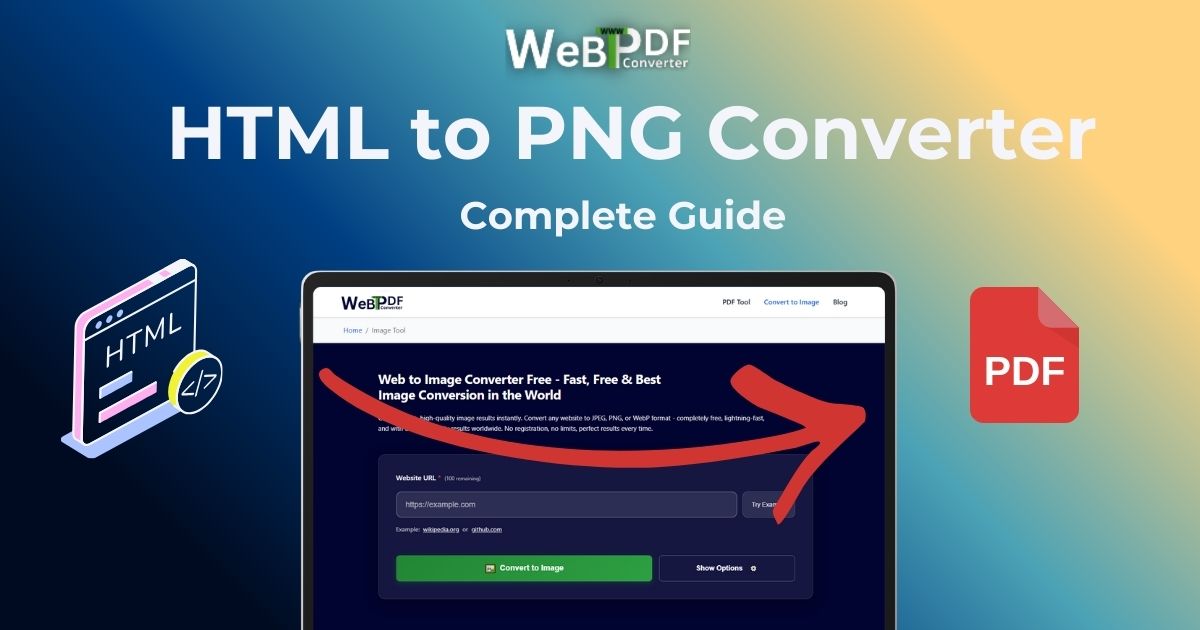
Online converters like WebtoPDFConverter offer the easiest way to convert HTML to PNG:
- No software installation required
- Works from any device with internet access
- Fast and reliable conversion
- Free to use
2. Browser Extensions
Browser extensions can capture HTML pages as PNG images directly from your browser.
3. Command-Line Tools
For developers, command-line tools like Puppeteer or Playwright can programmatically convert HTML to PNG.
How to Convert HTML to PNG
Follow these simple steps:
- Enter the URL: Paste the HTML page URL you want to convert
- Select File Type: Choose PNG, JPEG, or WebP as your output format
- Configure Options: Adjust quality (Low, Medium, or High) and select page format from Mobile, Tablet, Desktop, or Standard Paper sizes
- Optional Features: Add watermarks or headers/footers if needed
- Convert: Click convert and wait for processing
- Download: Download your PNG image
Best Practices for HTML to PNG Conversion
- Choose Appropriate Quality: Use High quality (100) for images and graphics, Medium (75) for balanced results, or Low (30) for smaller file sizes
- Select Right Format: Choose a page format that matches your intended use - Mobile sizes for mobile previews, Desktop sizes for full-page screenshots
- File Type Selection: PNG for transparency and quality, JPEG for smaller file sizes, WebP for modern web use
- Test Different Pages: Test with various HTML pages to ensure compatibility
- Use Watermarks: Add watermarks for branding or protection when needed
Use Cases for HTML to PNG
- Creating website screenshots
- Generating thumbnails for web pages
- Converting HTML mockups to images
- Archiving web content as images
- Creating visual documentation
Conclusion
HTML to PNG conversion is a powerful tool for web professionals. With the right tools and knowledge, you can easily convert HTML pages to high-quality PNG images for various purposes.